

Every photo of the day,
collected in one place.
Your guests photograph the whole day from angles you will never see. One link puts every picture in one place — no app, no account, no chasing people in the group chat.
- ✦No app for guests
- ✦Eight languages
- ✦One payment, no subscription

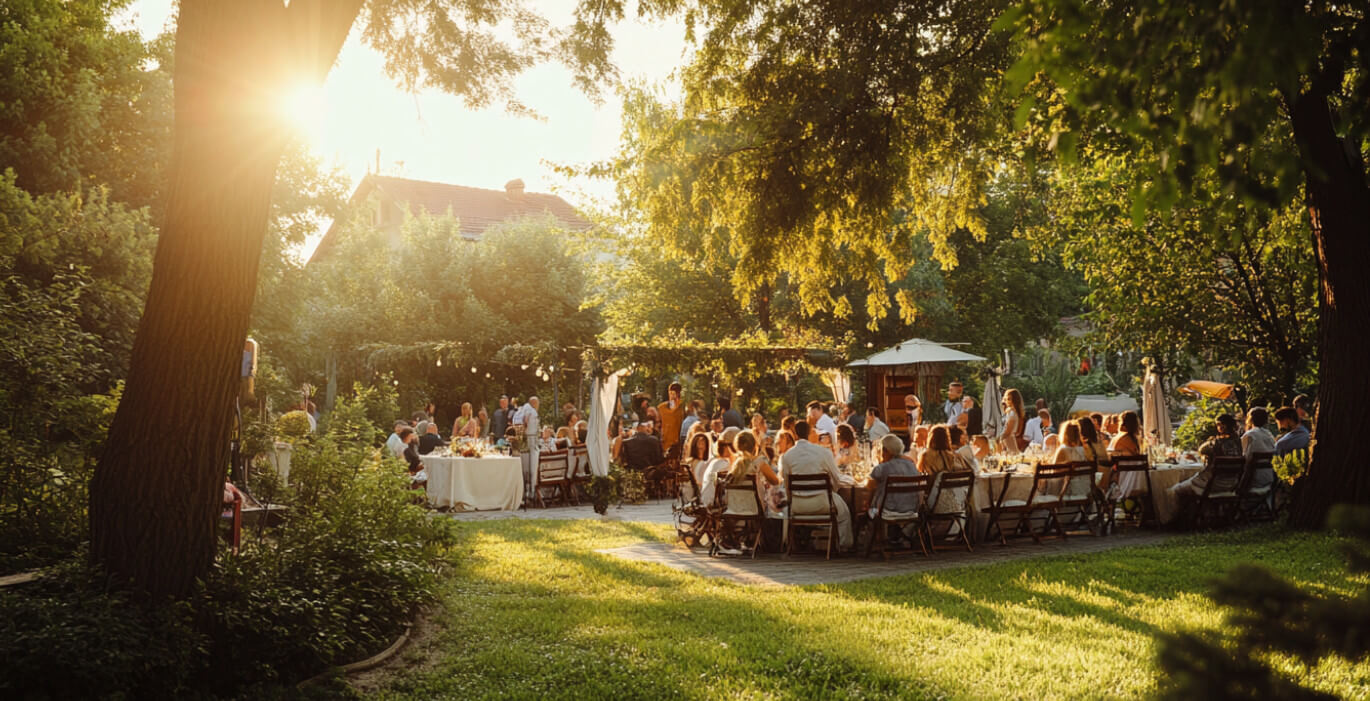
The best photographs of your wedding are on other people's phones — and that is where they stay.
Two versions of the same day.
- A group chat with 200 messages and 12 photos in it.
- Asking your aunt, twice, for the ones from the ceremony.
- Photos squeezed to nothing by four different messengers.
- The dance floor at 1am — seen by nobody who wasn't on it.
- One link, and every picture in one place.
- She uploads from the link that evening, before she forgets.
- Full-size files, up to 8 MB each, straight to you.
- The hours you missed, photographed by the people who were in them.
Set up in a minute.
- 01
Turn the gallery on
One switch in your dashboard adds a gallery to your wedding page.
- 02
Guests upload from the link
They open your page in the browser they already have, tap, and choose from their camera roll. Nothing to install, nothing to sign up for.
- 03
Everything arrives with you
Each upload appears in your dashboard, ready to download — including the ones taken while you were busy getting married.
The same link does everything.
Before you ask.
Do guests need an app?
No. The gallery opens in whatever browser they already use, and they upload straight from their photos.
Who can see the pictures?
Every upload reaches you. Whether guests also see the gallery on your page is a separate switch, and it is yours.
How much can each guest upload?
Five photos each to begin with, which you can raise, and up to 8 MB a photo — enough for anything a phone takes.
Tell your story
Mix the sections that tell your wedding's story — RSVP, gallery, timeline, menu and more — each in the style and theme you love.
One link. Every part of the day.
All the features you need for your big day, together in one simple place.
Digital invitation
Three handcrafted themes in your colours, editable any time.
RSVPs & guests
Replies, plus-ones and song requests in one list.
Table planner
Drag guests into their seats, then export the day-of chart.
Photo gallery
Guests upload to one shared album, straight from their phones.
Guest polls
Ask the room — first dance, chicken or fish — and tally the votes.
Budget tracker
Live totals across vendors, deposits and what's left to pay.
Gift wishlist
Add gifts you'd love; guests reserve them so nothing doubles up.
Food menu
Share the courses and flag allergens before anyone asks.
Venues & maps
Ceremony and reception with directions and nearby hotels.
Checklist
A wedding to-do list with reminders so nothing slips.
QR code
A scannable code for tables and signage — passcode optional.
Dress code
Share the colour palette and what to wear — plus what to skip.
Guestbook
Guests leave a note — your wedding book, kept forever.
Passcode lock
Keep the page private behind a PIN only your guests know.
Countdown & more
Live countdown, a welcome note, your story, the itinerary and FAQ.
Real couples, real feedback.
Here's what couples have to say about planning their day with bridecard.
Honestly so much easier than I expected. We sent the link round and the replies just came in on their own — I didn't have to chase anyone.
It looked really lovely, and it actually felt like us. A few guests messaged just to say how nice it was.
The gift list made everything so much easier. Everyone just picked something and that was that — no awkward questions.
We're not very techy, but we got the whole thing set up in one evening with no trouble at all.
Having all the guest photos in one place afterwards was the best part. We saw so many moments we'd missed on the day.
RSVPs, Photos, Wishlist, Polls, Menu, Timeline, Dress code, Guestbook
Collect the day from every angle.
Build your page for free and see how it looks. You only pay if you decide to keep the paid features.
Free to start. The gallery comes with Premium — €79 once, not a subscription.
Frequently Asked Questions
Answers to common questions about the photo gallery.
Guests visit your bridecard link or scan the QR code and upload directly from their phone or computer. The upload option becomes available roughly one hour after your ceremony start time.
You set the limit — up to 5 photos per guest. Keeping it to a handful means guests share their best shots rather than everything from their camera roll.
You can download individual photos or save everything at once in full resolution — your choice.
By default the gallery is only visible to you in your account. You decide when (and whether) to make it public on your bridecard.
No problem. You can add a link to an external album — Google Photos, iCloud, Dropbox, whatever you use — and guests will be directed there from your bridecard.